
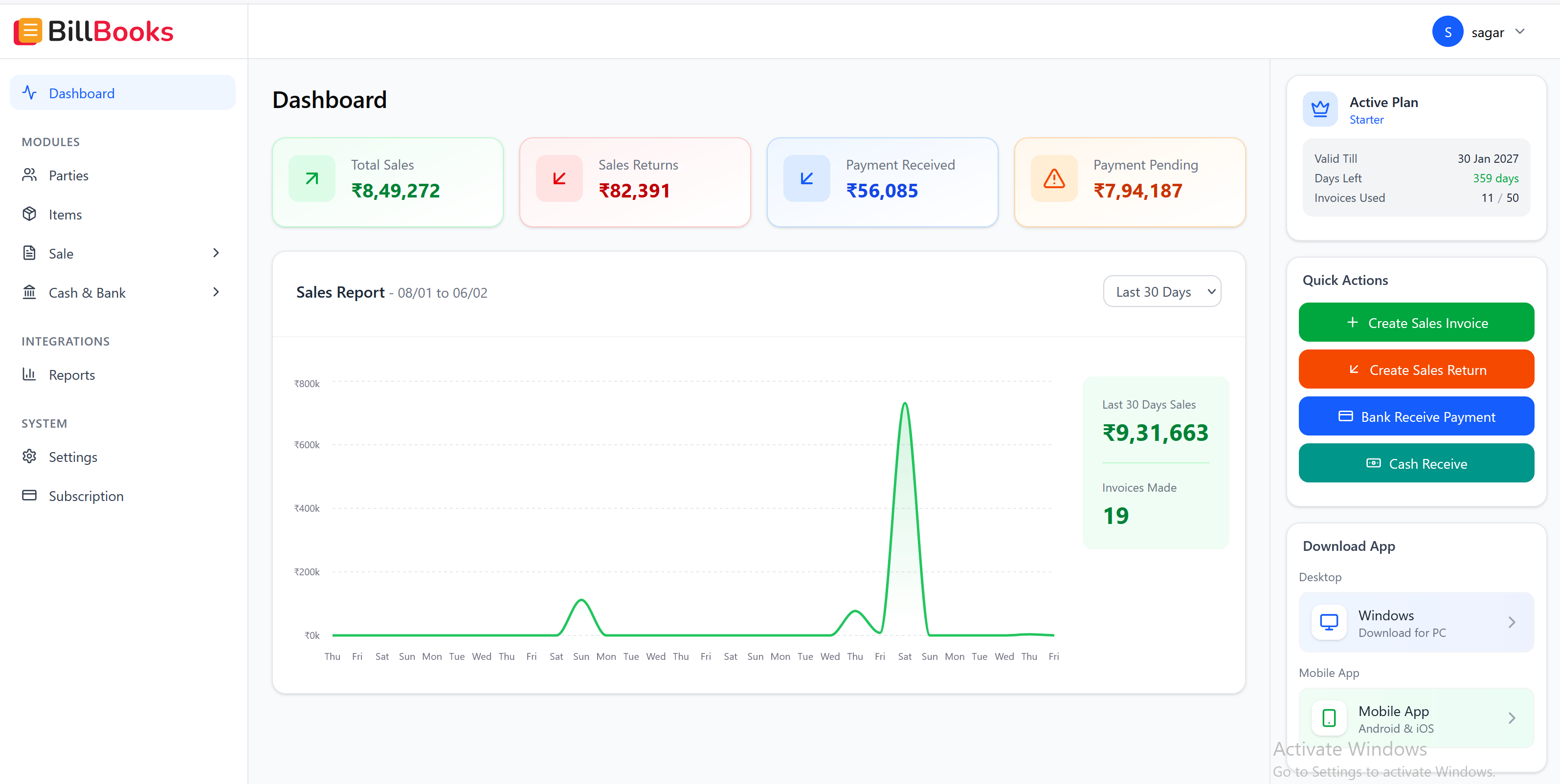
Download BillBooks — India's best GST billing software for your desktop. Create invoices, manage inventory, and track payments — all from your Windows PC. Free plan available.
Follow these simple steps to install BillBooks on your PC.
Click the download button to get the BillBooks.exe file
Double-click on BillBooks.exe to start installation
Click "Yes" if Windows asks for permission to install
Click "Next" and choose your installation location
Launch the app and login with your account to get started
Click the download button to get the BillBooks.exe file
Double-click on BillBooks.exe to start installation
Click "Yes" if Windows asks for permission to install
Click "Next" and choose your installation location
Launch the app and login with your account to get started
Learn about all the features included in BillBooks or find the right plan for your business.